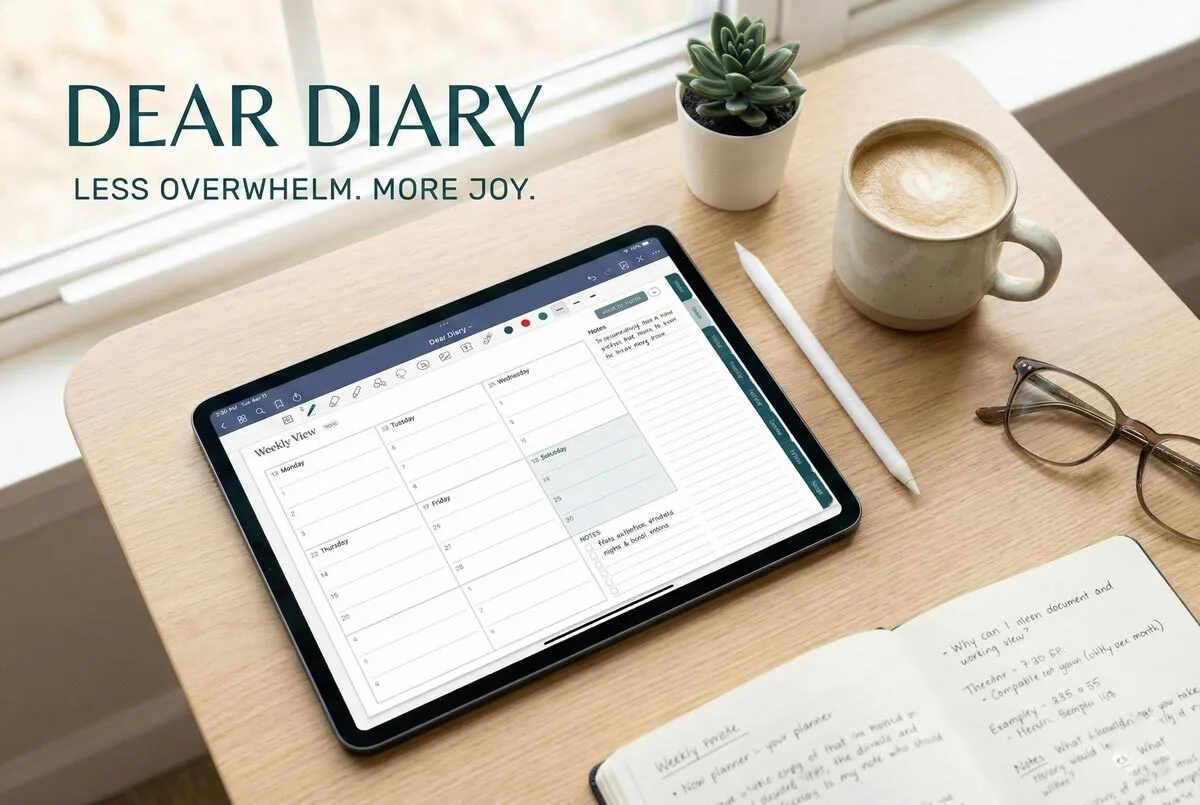
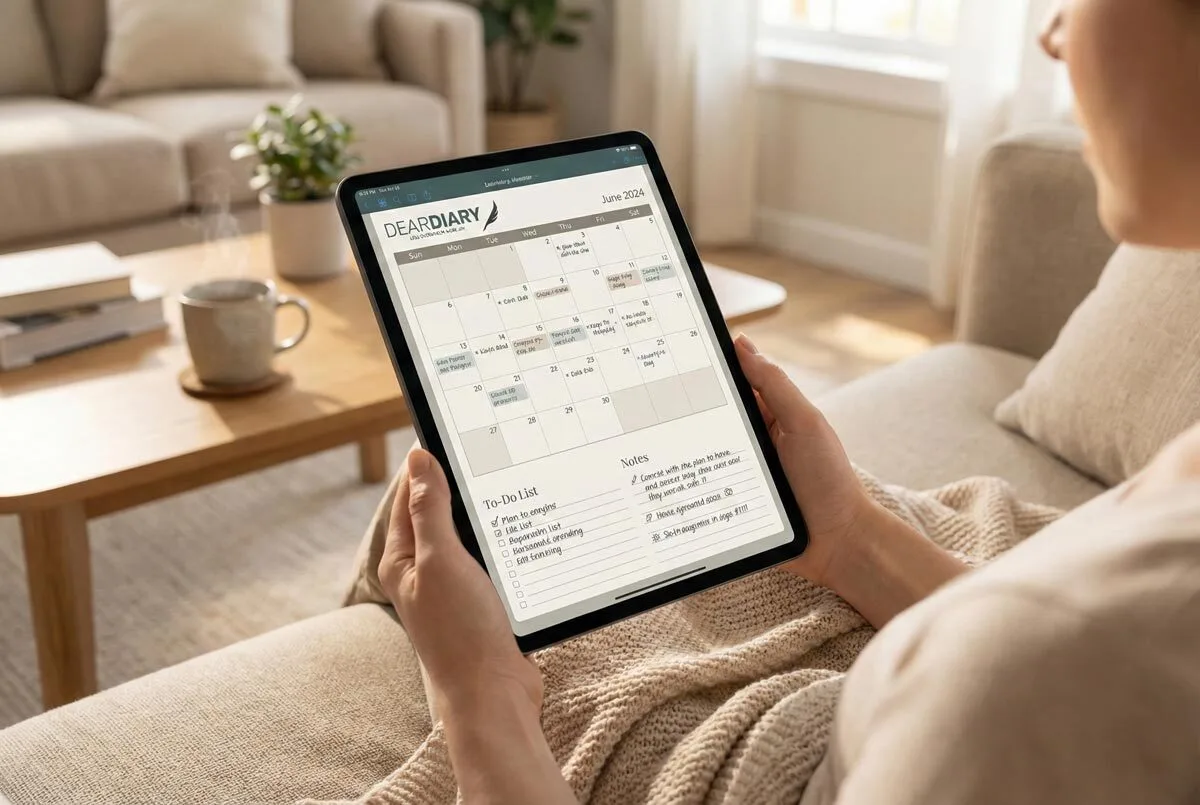
You’ll want to start with a single physical notebook for capturing thoughts without digital interruptions, then convert key entries weekly using AI transcription tools like Whisper. Date-stamp everything and use identical layouts in both formats to reduce cognitive switching costs. Add QR codes to paper pages linking relevant digital content, whilst implementing keyword tagging for searchable organisation. This hybrid approach gives you handwriting’s tactile benefits plus digital searchability—and there’s more to optimising this system.
While purists swear by either leather-bound notebooks or sleek digital apps, you don’t have to choose a side in this journaling war. The smartest approach combines both methods, creating a hybrid system that captures the tactile satisfaction of handwriting whilst embracing digital convenience.
Start with a single notebook system where you maintain analogue notes chronologically. Stamp each page with dates for timeline reference – this becomes vital when you’re converting entries later.
Date-stamped chronological entries create the foundation for seamless analogue-to-digital conversion in your hybrid journaling system.
Your physical journal serves as the primary capture tool, especially when you want that immediate connection between pen and paper. No battery anxiety, no app crashes, just pure thought flow.
The magic happens during your weekly conversion process. Use AI transcription tools like Whisper to convert your handwritten notes into searchable digital text. Don’t worry about perfect accuracy initially – OCR scanning technology has improved dramatically, and you can clean up transcriptions as needed.
This digitisation step revolutionises your analogue thoughts into searchable, linkable data.
Connect your digital journals to existing apps through integration features. Link entries to your email, social media posts, and fitness tracker data for richer background. Apps like Brite excel at combining tasks, habits, and calendar entries with your journal content.
This cross-platform approach prevents the dreaded single-point failure that haunts purely digital systems.
Implement keyword tagging for both your digital entries and scanned paper pages. AI-powered tagging can auto-categorise your transcribed notes, identifying recurring themes you might miss manually. This creates powerful pattern recognition capabilities across your hybrid entries.
Suddenly, you can track mood patterns, project revelations, or personal growth themes with surgical precision.
Backup strategies become simpler with hybrid systems. Scan handwritten pages as images and sync them to cloud storage alongside your digital entries. This hybrid approach creates a personal knowledge database where tagged entries reveal patterns over time whilst preserving both original handwritten context and digital accessibility.
You’re fundamentally creating multiple backup layers – physical permanence plus digital accessibility. Configure automatic syncing so your cloud storage updates correlate with physical entries without manual intervention.
Consider mirror approaches where you use identical layouts in both formats. Create entry templates that work seamlessly whether you’re writing by hand or typing on your phone. Digital teachers have embraced customisable templates to adapt their planning workflows across different platforms and subjects. Number your physical pages systematically to maintain proper organisation and tracking when transferring content to digital formats.
This consistency reduces cognitive load when switching between mediums throughout your day.
Don’t overlook visual elements. Convert analogue sketches and mind maps to vector-based digital files when they contain important revelations.
Add QR codes to paper pages that link to relevant digital content or expanded notes. This creates genuine cross-media linking rather than isolated systems. Digital platforms offer superior multimedia integration capabilities compared to paper alone, allowing you to embed photos, videos, and links alongside your transcribed handwritten content. Allocate 15 minutes daily to review and process your handwritten entries for seamless integration between formats.
The combined approach eliminates traditional journaling frustrations. No more physical flipping through dozens of pages to find that brilliant idea from three months ago. Your hybrid system offers instant search capabilities alongside the irreplaceable experience of handwriting.
You’ll reduce barriers to entry whilst maintaining the authentic journaling experience that keeps you coming back. Most importantly, you’re building a sustainable practice that adjusts to different situations, moods, and technological changes.
Frequently Asked Questions
What Are the Best Apps for Digital Journalling on Mobile Devices?
You’ll find Rosebud excellent for AI-powered observations, Day One perfect for multimedia entries across Apple devices, Grid Diary ideal for structured templates, and Momento brilliant for automatically capturing social media activities in your digital journal.
How Do I Backup My Digital Journal Entries Safely?
Use cloud storage like Google Drive for automatic synchronisation, create weekly encrypted backups on external drives, and maintain three copies total. Enable two-factor authentication and regularly test your restoration process to ensure you can access entries.
Can I Print Digital Journal Entries to Add to Paper Journals?
You can export your digital entries as PDFs through Day One, then print them using services like PrestoPhoto or Lulu. Customise layouts, choose binding styles, and integrate printed pages seamlessly into your existing paper journals.
What’s the Cost Difference Between Digital and Paper Journalling Long-Term?
Digital journaling costs more upfront with device purchases and subscriptions (£100s-£1k+ plus £3-£54 yearly), whilst paper journaling requires minimal investment (£15-£50 initially, £10-£20 annually for supplies).
How Do I Maintain Privacy and Security in Digital Journals?
Choose apps with end-to-end encryption and enable two-factor authentication. Use strong, unique passwords and avoid shared accounts. Review privacy policies carefully, ensure providers don’t monetise data, and keep software updated regularly.