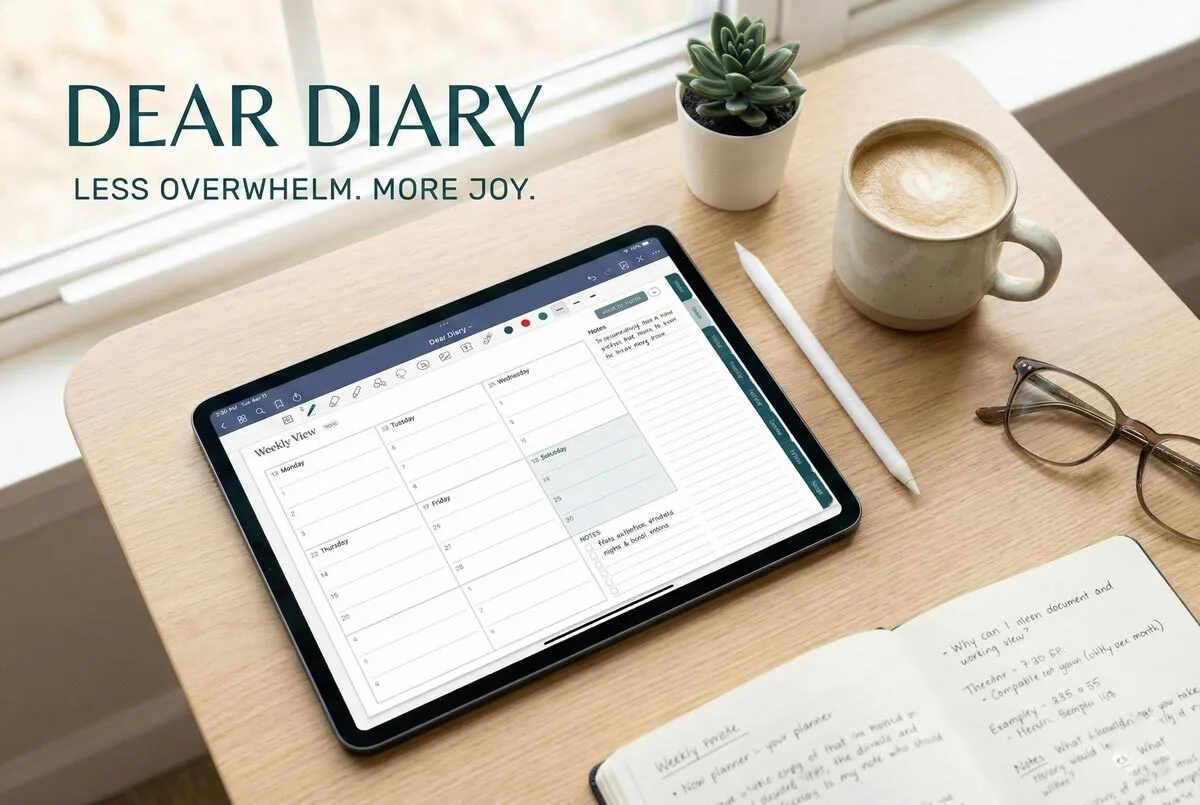
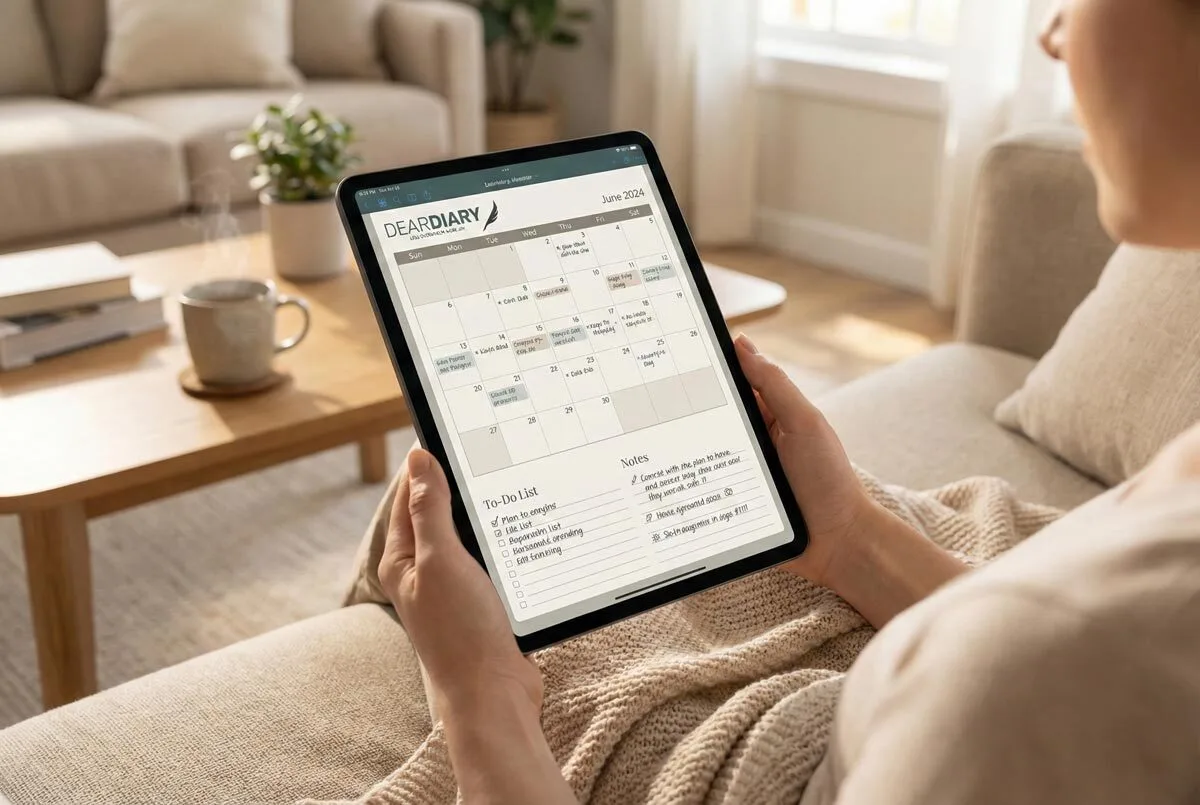
Create dedicated sections in your planner for client profiles, project timelines, and communication logs to centrally track every engagement. Use colour-coding to mark different project phases and set up automatic notifications for critical deadlines. Document each client’s preferred communication methods during your initial meeting, then stick to them religiously. Break projects into specific milestones with realistic deadlines to prevent scope creep. This systematic approach changes scattered notes into an all-encompassing management system that’ll reveal even more organisational strategies.
Managing clients and orders effectively can make or break your planning business—yet most planners stumble through this process without a clear system, leaving opportunities missed and clients frustrated.
Clear systems transform planning chaos into profitable operations that keep clients satisfied and revenues flowing consistently.
You need a strategic approach that converts chaos into efficient operations. It starts with understanding that your planner isn’t just a scheduling tool—it’s your command centre for business success.
Start by establishing clear communication preferences with each client during your initial meeting. Some clients prefer email updates, whilst others want quick WhatsApp messages or portal notifications. Document these preferences in your CRM system and stick to them religiously.
Schedule regular progress updates—weekly for complex projects, fortnightly for simpler ones. This consistency builds trust and prevents those dreaded “what’s happening with my event?” panic calls that disrupt your workflow.
Your project planning section should break down every client engagement into detailed timelines with specific milestones. Don’t just write “conference planning”—create phased tasks like “venue selection by 15 March” and “catering confirmation by 1 April.”
This granular approach helps you negotiate realistic deadlines upfront and prevents scope creep later. Under-promise your deliverables consistently—if you think something takes three days, tell the client five.
Revamp your order management by creating a centralised tracking system within your planner. Use colour-coding or symbols to distinguish between different project phases—red for urgent deadlines, yellow for upcoming tasks, green for completed items.
Assign specific pages or sections to track order status, delivery dates, and client communications. Set up automatic alerts using your phone’s reminder system tied to your planner entries. This ensures nothing falls through the cracks during busy periods.
Integrate technology strategically without abandoning your physical planner. Use cloud-based CRM tools to store detailed client information, then transfer key deadlines and tasks to your planner for daily reference.
Client portals handle document sharing whilst your planner manages your workflow. This hybrid approach gives you digital efficiency with tactile planning benefits that suit the South African business environment. A Digital Teacher Planner offers this same versatility, serving as a paperless solution that can be accessed across multiple devices whilst maintaining professional organisation standards.
Proactive client handling separates successful planners from overwhelmed ones. Analyse your clients’ industries and anticipate their seasonal needs—corporate event planners prepare for year-end functions, wedding planners know December holiday season demands.
Use this knowledge to reach out with solutions before clients request them. This positions you as a strategic partner rather than just a service provider. Effective client management enhances your company’s credibility and demonstrates professionalism, which directly impacts client retention rates.
Implement feedback loops through post-project reviews and satisfaction surveys. Document these observations in your planner’s client section for future reference. When Mrs Van Der Merwe mentions she loves detailed timeline updates, note it for next year’s event planning.
Your planner should include dedicated sections for client profiles, project timelines, order tracking, and communication logs. Create templates for recurring project types—this saves hours of planning time and ensures consistency across all client engagements. Remember that dedicated client managers build stronger relationships than rotating contact points across different projects. The structured layouts of modern digital planners enhance organisation and provide the flexibility needed to adapt to various client management requirements. Developing these essential management skills requires consistent practice and attention to detail across every client interaction.
Review your system monthly, adjusting workflows based on what’s working and what’s causing bottlenecks. This continuous improvement approach keeps your planning business competitive in the dynamic South African market. Consider implementing customisable layouts in your planner to better fit your unique workflow needs and client requirements. The comprehensive features found in a quality planner should include habit trackers to monitor your consistency in client follow-up activities and business development routines. Effective communication directly impacts your business success and profitability by fostering stronger client relationships and increasing retention rates. For optimal planning organisation, invest in a planner with lay-flat binding that allows comfortable writing and easy reference during client meetings.
Frequently Asked Questions
Can I Sync My Planner With Existing CRM Software?
You can sync your planner with existing CRM software using pre-built connectors, API-based integration, middleware solutions, or third-party tools like Zapier for seamless data exchange and workflow automation.
How Do I Handle Rush Orders or Emergency Client Requests?
You’ll prioritise rush orders by implementing tiered staffing, tracking response times, and using express communication channels. Cross-train staff for flexibility, negotiate realistic deadlines, and maintain emergency contact systems for real-time updates.
What Happens if a Client Cancels an Order Last Minute?
You’ll face immediate revenue loss and potential inventory waste. Implement clear cancellation policies upfront, charge reasonable fees for last-minute changes, and maintain professional communication to preserve the client relationship.
How Do I Track Payments and Invoicing Within My Planner?
You’ll track payments through centralised dashboards showing real-time invoice statuses, streamlined Stripe/PayPal integration marking invoices as paid, customisable overdue notifications, and detailed payment history logs across multiple gateways for complete financial oversight.
Can Multiple Team Members Access the Same Client Information Simultaneously?
You can enable simultaneous access through Microsoft 365 groups with role-based permissions. Team members will see real-time changes automatically, whilst conflict resolution mechanisms handle simultaneous edits to prevent data conflicts.